Last reviewed: 27 May 2026
XX2 Mobile App Dashboard and Feature Guide
Once access is ready, this guide walks through the XX2 dashboard, profile areas, game navigation and daily mobile use.

App home page
Review the application home screen before beginning
Begin by learning the XX2 layout. Before launching a game, identify the dashboard, profile area, wallet or balance indicators, help links and latest notices so important prompts are not skipped.
Keep setup separate from play: confirm the correct profile, review the game section, then read any wallet or reward notice that could affect the session. This order helps prevent mistaken taps.
- Confirm that the displayed profile belongs to you
- Locate the in-app help section
- Review wallet and dashboard labels before acting
- Read current app notices before beginning a game
App navigation
How the XX2 sections are organised on a phone
A practical mobile layout keeps profile controls together, organises games clearly and leaves support easy to find. New users should locate these areas before changing account information.
Do not manage account or wallet screens while distracted. Similar-looking labels on a small display make deliberate taps safer than correcting a rushed action later.
Quick reminder
Adjust the display for easier use
Increase the phone's display size when text is difficult to read, and rotate the screen only when supported. Make account decisions from the live app, not another user's screenshot.
Wallet and account markers
Review wallet and profile labels before acting
Treat wallet, balance, bonus, deposit and withdrawal screens as sensitive. Confirm the amount, method and profile name before proceeding, and never post screenshots that expose payment or personal information.
The purpose of this page is to help users interpret the application, not pressure them to act. It therefore focuses on checking labels and details, with support used whenever a screen is unclear.
Performance and connection
Help the app run better on a standard phone
Before a longer session, close demanding apps running in the background, leave available storage and stay on one network while a page loads. Many apparent app problems are actually caused by unstable phone conditions.
When a screen loads slowly, wait instead of pressing the same control several times. Review the connection and follow troubleshooting or support instructions if the delay returns.
Screen reference
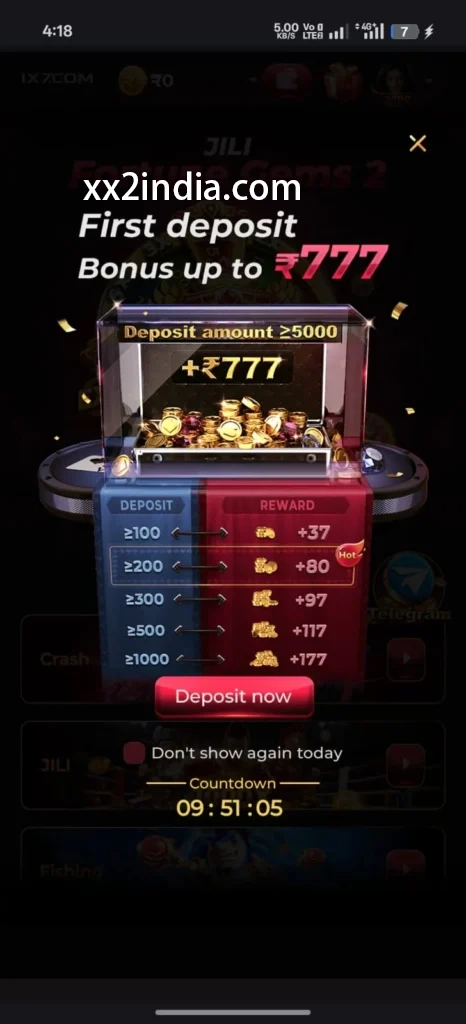
XX2 App Dashboard Screen Examples
Use screenshots for layout only; follow the current prompts on your phone.


Related guides
Choose the relevant guide
Key answers
Questions answered here
Which topics are included in the XX2 app guide?
The page explains dashboard navigation, profile areas, game discovery and everyday mobile use. APK setup is covered in a separate guide.
Where can I find the APK setup instructions?
Refer to the Android setup guide for help with installing or updating the APK.
After opening the app, what should I check first?
Check the profile, dashboard or wallet area, current notices, game sections and support links before starting.
Which habits improve app-access safety?
Protect login details, avoid shared phones and never give out OTPs or account-recovery information.